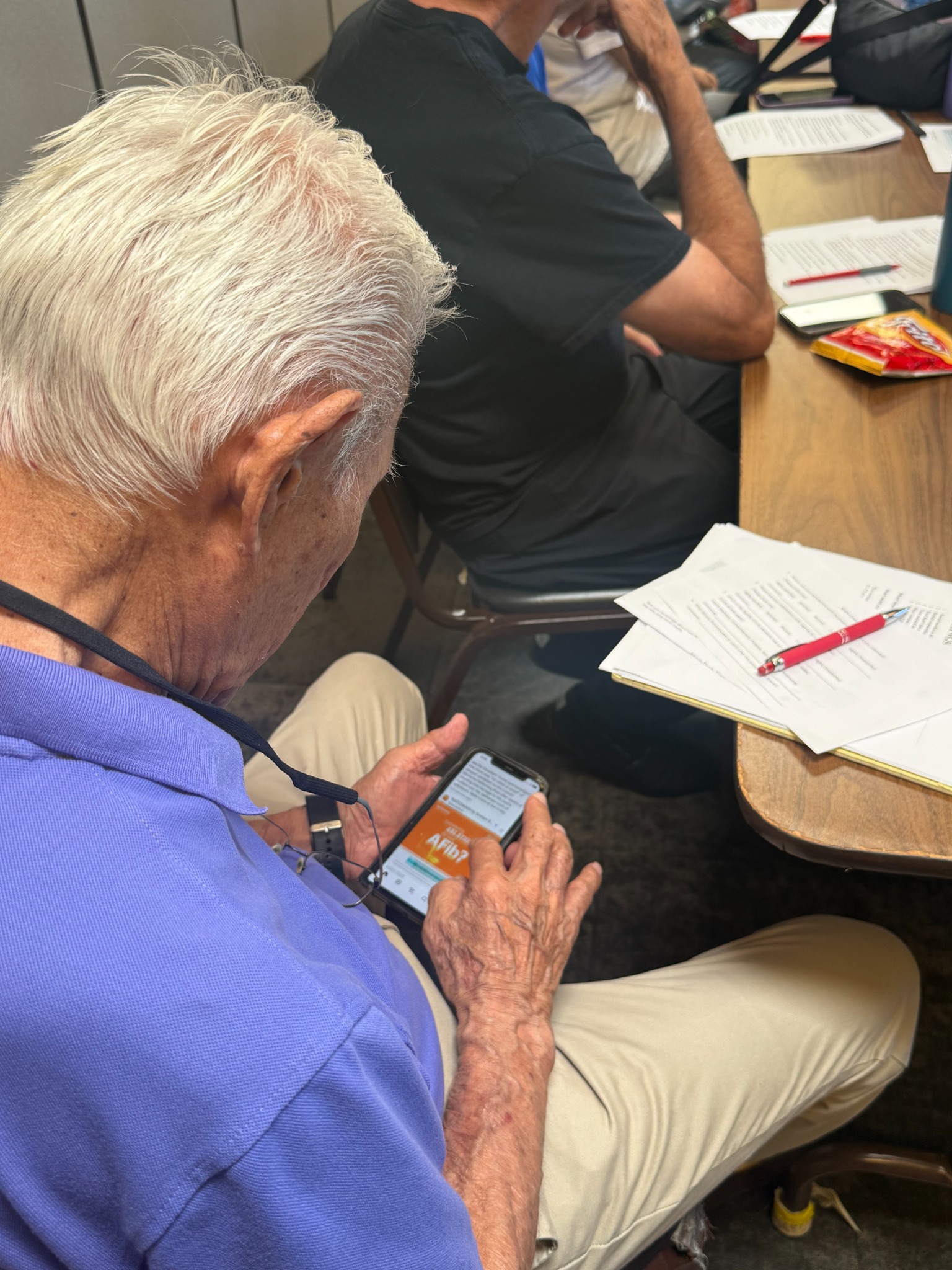
Welcome
- Introduction about me
- About my project and why it’s important
- Helps reduce loneliness and social isolation.
- Keeps people connected with family and friends.
- Support brain health through learning new skills.
- neuroplasticity—the brain continues learning throughout life.
- Improves safety through:
- Emergency set up
- Awareness about scams
- What is AI (artificial intelligence) and how can it help
Participation is Welcome!
Two main types of phones: Android vs. iPhone Poll
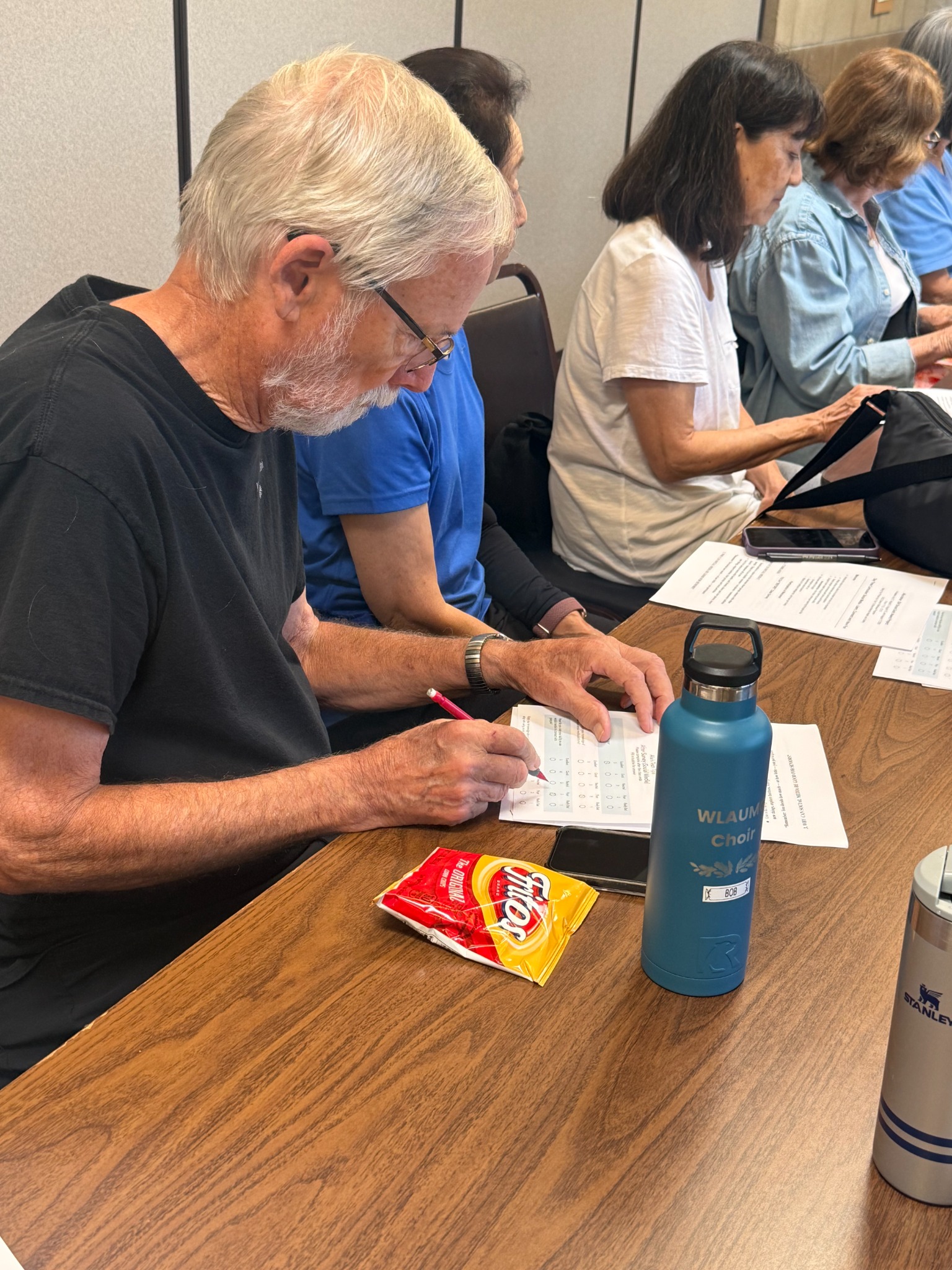
Fill Out “BEFORE” Class Survey
Two main types of phones: Android vs. iPhone Poll
Fill Out “BEFORE” Class Survey
Icebreaker
- Emoji Discussion - What are they?
Phone Basics Lesson
- Accessing the Search bar for “App” library (swipe left multiple times to reach last screen)
- Make a phone call, receive or answer an incoming call or facetime call
- Find a contact and calling them (use the + symbol)
- Add a new contact
- Reading and sending text messages
- Adding emojis to text messages
- Using voice command to text
- Adding a photo to a text
- Saving a photo that you received in a text
- How to take a screenshot and how to locate it (depending on your phone, AT SAME TIME, click large right side button with the middle left side button)
- Send Alia a text with a photo and include a message about the photo with an emoji
Emergency Basics
- Calling 911 (SOS Call) from the phones power button (depending on your phone, AT SAME TIME, click large right side button with the middle left side button BUT HOLD IT STEADY FOR 4 SECONDS)
- What is Medical ID? And how to find and set it up (swipe left to app library and type in “Health”)
- Health details
- Medical ID
- Health Checklist
- Health Records
- Notifications
- Organ donation
- Setting up ICE (In Case of Emergency) contacts
- Sharing location with trusted family members
Questions, “After” Survey, and Individual Help
- Complete the post-class survey if they haven't already.
- Leave the survey on the desk before leaving.
THANK YOU FOR ATTENDING!
NEXT WEEK: Phone Apps and Phone Games That Help Keep You Sharp - And Entertained!
NEXT WEEK: Phone Apps and Phone Games That Help Keep You Sharp - And Entertained!